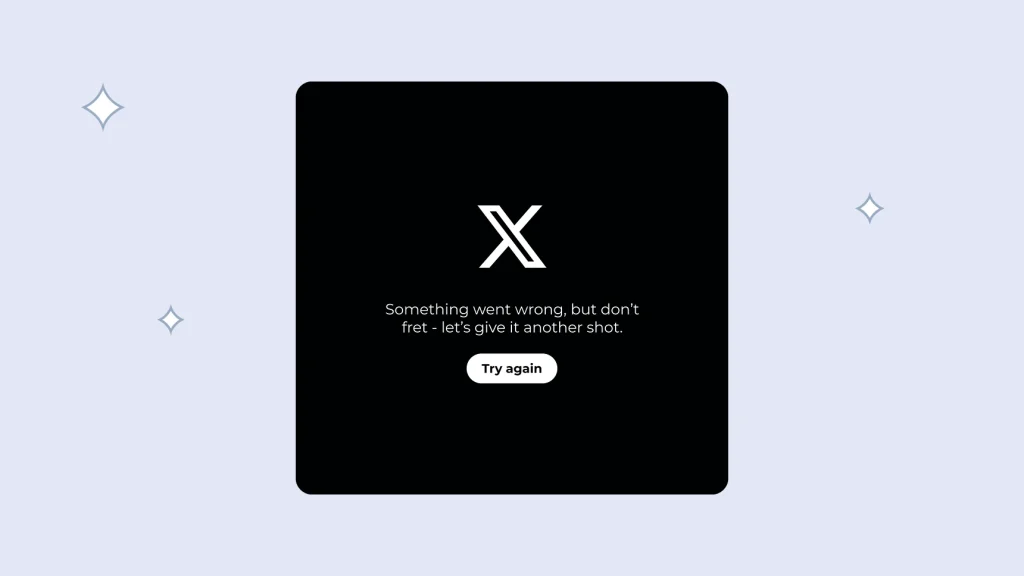
If your X (formerly Twitter) feed is not loading, you are not the only one facing this problem. Thousands of users recently reported that tweets were not appearing, timelines refused to refresh, and some features of the app stopped working. The latest outage update suggests that many of these issues were caused by a platform-wide problem rather than individual devices.
When X experiences a technical issue, users often think their internet connection or smartphone is to blame. While that can sometimes be true, widespread outages usually happen because of server problems. Knowing the difference can save you time and unnecessary troubleshooting.
Why Are X (Twitter) Tweets Not Loading?
There are several reasons why tweets may stop loading on X. The most common reason is a server outage that affects users across different regions. During such incidents, the platform may fail to load timelines, display new posts, or refresh content.
In some cases, the issue can also be caused by a weak internet connection, an outdated app version, corrupted cache files, browser problems, or an active VPN. Identifying the actual cause is the first step toward solving the problem.
Simple Ways to Fix X (Twitter) Tweets Not Loading
Before making major changes to your device, try these simple troubleshooting methods:
- Check whether X is experiencing a platform-wide outage.
- Make sure your internet connection is stable.
- Turn off your VPN if one is enabled.
- Update the X app to the latest version.
- Refresh the webpage if you are using a browser.
- Clear the app or browser cache.
- Restart your device.
- Reinstall the X app if the issue continues.
These steps solve many common problems. However, if the outage is happening on X’s servers, waiting for the service to return is often the only solution.
User Issue vs X Server Outage
| Situation | User Device Issue | X Server Outage |
|---|---|---|
| Only one user is affected | Yes | No |
| Thousands of users report the issue | No | Yes |
| Restarting the device helps | Sometimes | Rarely |
| Updating the app fixes it | Sometimes | Sometimes |
| Waiting restores normal service | Not always | Yes |
How to Know Whether the Problem Is on Your Side
A quick way to understand the issue is to see whether other users are facing the same problem. If people across different locations are reporting that tweets are not loading, it is most likely a server-side outage.
If only your account is affected, check your Wi-Fi or mobile data, update the app, and clear the cache before trying again. These basic steps are usually enough to fix local issues without spending much time.
Final Thoughts
The latest How to Fix X (Twitter) Tweets Not Loading: Latest Outage Update highlights that even one of the world’s biggest social media platforms can experience temporary downtime. While these outages can be frustrating, they are usually resolved within a short period.
Whenever tweets stop loading, begin with simple troubleshooting steps instead of assuming the worst. Checking your internet connection, updating the app, clearing the cache, and confirming whether the platform is experiencing an outage can save both time and effort. For more social media tips, app troubleshooting guides, and technology updates, explore our related articles.