Apple has released the iOS 27.0.1 update for iPhone users. The new software update focuses mainly on fixing bugs that appeared after the launch of iOS 27.
The update is now available through the Software Update section in the iPhone settings. While it is a small update compared with iOS 27, it addresses several problems that could affect everyday use.
iOS 27.0.1 Fixes Face ID Restart Issue
One of the most important fixes is aimed at the iPhone 18 Pro and iPhone 18 Pro Max. Some users experienced unexpected restarts when Face ID failed to authenticate properly.
Apple has now addressed this problem with iOS 27.0.1. This is particularly useful for users who noticed their phone restarting during Face ID authentication.
The update also fixes a camera-related problem. On a small number of iPhone 18 Pro and iPhone 18 Pro Max devices, photos taken at 2x zoom under certain lighting conditions could show a strange color artifact.
Touchscreen Problem Also Fixed
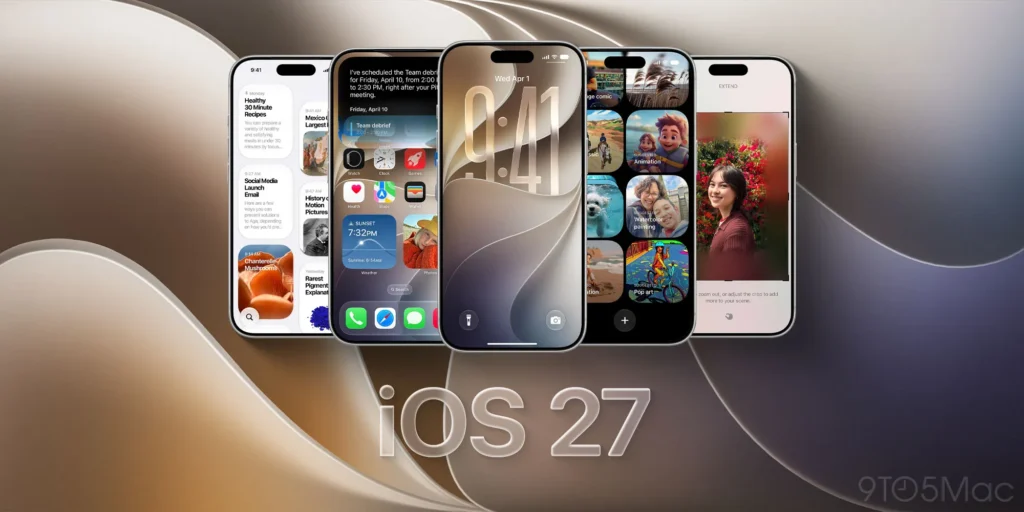
Another issue involved the Notification Center and Control Center. Opening both at the same time could cause the touchscreen to stop responding.
Unlike the Face ID and camera problems, this particular fix applies across iPhone models.
Here is a quick look at the main fixes:
| Issue | Affected Devices | Fix in iOS 27.0.1 |
|---|---|---|
| Face ID authentication restart | iPhone 18 Pro/Pro Max | Yes |
| 2x camera color artifact | iPhone 18 Pro/Pro Max | Yes |
| Notification and Control Center touchscreen issue | All iPhone models | Yes |
| Other minor bugs | Some older iPhones | Possible |
Apple’s release notes do not always list every small change included in an update. Because of that, older iPhone models could also receive additional bug fixes that are not specifically mentioned.
Why iOS 27.0.1 Matters
iOS 27 arrived only about two weeks ago as a major iPhone software release. Like many major software updates, it introduced some issues that were not discovered during beta testing.
The iOS 27.0.1 update is Apple’s first follow-up release focused on cleaning up those problems. Users who have already noticed crashes, touchscreen glitches, or other unusual behavior may see improvements after installing it.
Apple has also released iPadOS 27.0.1 for compatible iPad models. Its release notes are much shorter and simply state that the update provides bug fixes for iPad.
How to Install iOS 27.0.1
To check for the update, open Settings → General → Software Update on your iPhone. If the update is available for your device, you can download and install it from there.
For users already running iOS 27, installing the latest bug-fix update can help keep the phone running smoothly.
Overall, iOS 27.0.1 is a maintenance update rather than a major feature release. Its main purpose is simple: fix problems, improve stability, and make the new iOS 27 experience more reliable.