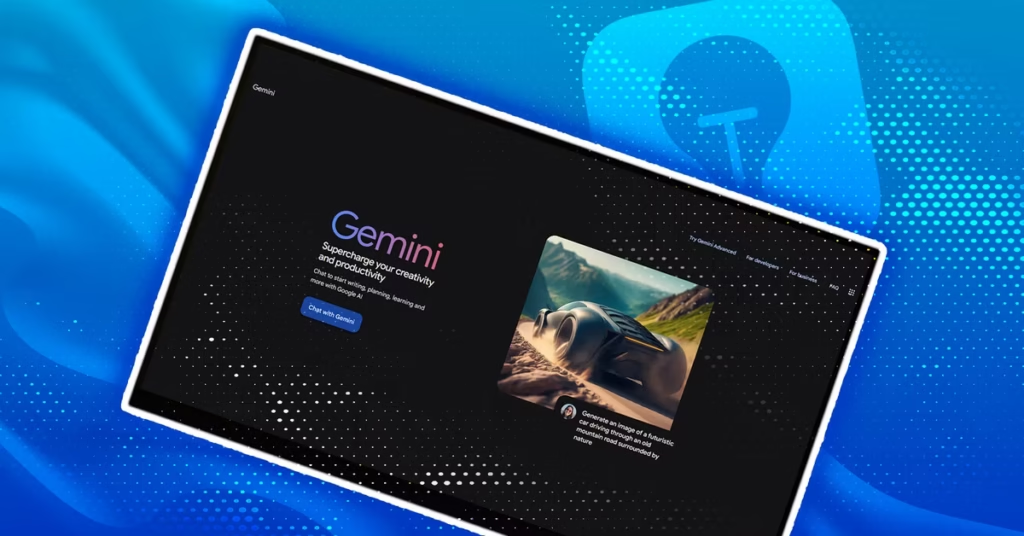
Google Gemini Live is becoming a more useful way to interact with artificial intelligence. Instead of typing questions into an AI chatbot, users can simply talk to it using their voice. The latest major upgrade makes the experience feel even more natural and conversational.
If you already use Google Gemini, Gemini Live gives you another way to get answers, explore ideas, and have a more relaxed conversation with AI. Here are three Google Gemini Live tricks worth trying after the latest upgrade.
1. Talk to Gemini Like a Real Conversation
One of the biggest advantages of Google Gemini Live is that you do not have to speak like you are giving commands to a computer.
You can talk naturally, just as you would with another person. You can ask a question, add more information, change your mind, or interrupt the conversation when needed.
This makes Gemini Live particularly useful when you are thinking through an idea. Instead of preparing a perfect prompt before speaking, you can simply start talking and let the conversation develop.
For example, you could ask Gemini for ideas for a trip and then quickly add details such as your budget, preferred locations, or the number of days you have available.
2. Interrupt Gemini When You Need To
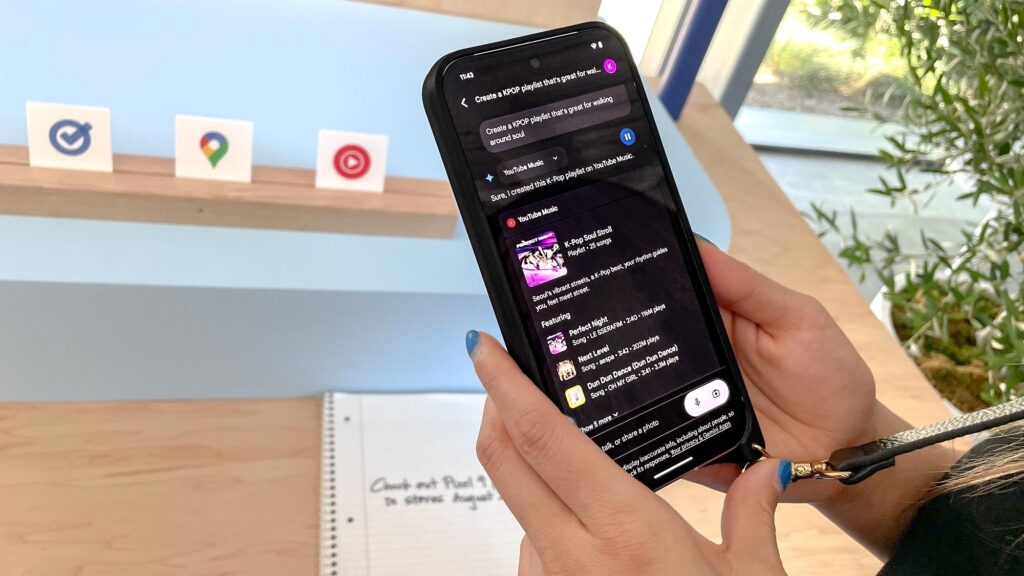
Another useful feature is the ability to interrupt the AI during a conversation. This may sound like a small change, but it can make voice interaction much less frustrating.
Normally, waiting for an AI to finish a long response can feel unnecessary when you already understand the point. With Gemini Live, you can jump in and redirect the conversation.
You might say, “Wait, explain that in simpler words,” or immediately ask a follow-up question. The conversation can then move in a different direction without forcing you to start from scratch.
3. Use Gemini Live for Brainstorming
Gemini Live can also be useful when you do not have a clearly defined question.
Instead of typing a detailed prompt, you can talk through an idea and see where the conversation goes. This can be helpful for brainstorming, planning, learning, or simply exploring a topic.
| Feature | Regular Gemini Chat | Gemini Live |
|---|---|---|
| Main input | Typing | Voice |
| Conversation style | Prompt-based | More conversational |
| Interruptions | Limited | Natural interruptions |
| Brainstorming | Useful | More spontaneous |
Why Google Gemini Live Feels Different
The main attraction of Gemini Live is not simply that it can provide AI answers. Its biggest strength is the way you interact with it.
Typing often requires you to organize your thoughts before asking a question. Speaking is different. You can start with an incomplete idea, correct yourself, ask follow-up questions, and keep going.
That makes Google Gemini Live tricks less about discovering complicated commands and more about learning how to have a better conversation with AI.
As Google continues improving its AI tools, voice interaction could become an increasingly important part of how people use assistants. For now, Gemini Live offers a simple way to make AI feel less like a search box and more like a conversation.