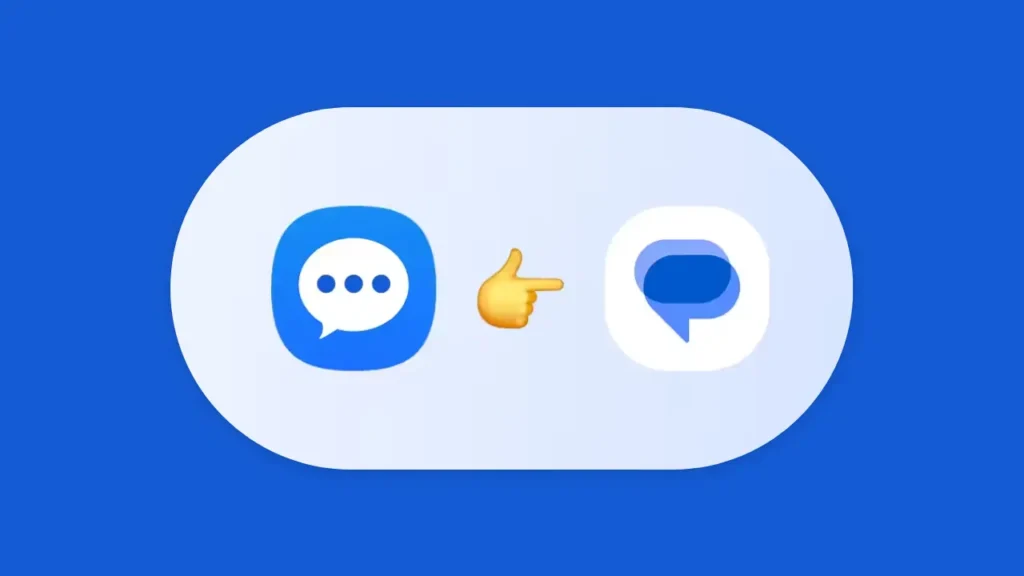
Samsung has announced that Samsung Messages will officially shut down in July 2026. This change affects many users who rely on the app for daily conversations. If you are one of them, the biggest concern is likely your data. The good news is that you can switch to a new messaging app without losing your chats or media.
Why Samsung Messages Is Ending
Samsung is moving away from its own messaging app to focus on a more unified system. Since Samsung devices run on Android, the company is encouraging users to adopt Google Messages. This helps provide a smoother and more consistent experience across devices.
It also allows users to benefit from modern features like improved messaging standards and regular updates.
Will You Lose Your Messages?
In most cases, your existing SMS and MMS messages are stored on your device. This means they will not disappear when you switch apps. Google Messages can access these messages once it is set as the default app.
However, it is still a good idea to back up your data before making any changes. This ensures that your important conversations remain safe.
Steps to Switch Without Losing Data
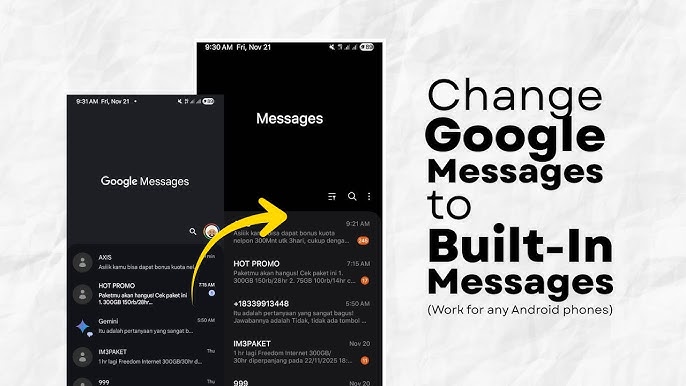
Follow these simple steps to move safely:
- First, check if Google Messages is already installed on your phone
- If not, download it from the Play Store
- Open the app and set it as your default messaging app
- Allow all necessary permissions so it can access your messages
- Wait for your conversations to appear in the app
Once done, you should see all your previous messages available in Google Messages.
Samsung Messages vs Google Messages
Here is a quick comparison to understand the transition better:
| Feature | Samsung Messages | Google Messages |
|---|---|---|
| App Status | Ending soon | Fully supported |
| Data Access | Local storage | Accesses existing data |
| Backup Options | Limited | Better backup support |
| Updates | Stopping | Regular updates |
| Messaging Features | Basic | Advanced features |
This comparison shows that Google Messages offers better support and future-ready features.
Extra Tips to Keep Your Data Safe
Before switching, consider these precautions:
- Back up your phone using your Google account
- Save important conversations separately if needed
- Ensure your device is updated to the latest Android version
These small steps can help prevent any unexpected data loss.
Final Thoughts
Samsung Messages ending soon may seem worrying, but the transition is simple if done correctly. By switching to Google Messages, you can keep your data safe while enjoying a better messaging experience.
Take a few minutes to prepare and switch now, so you can continue messaging without any interruptions.