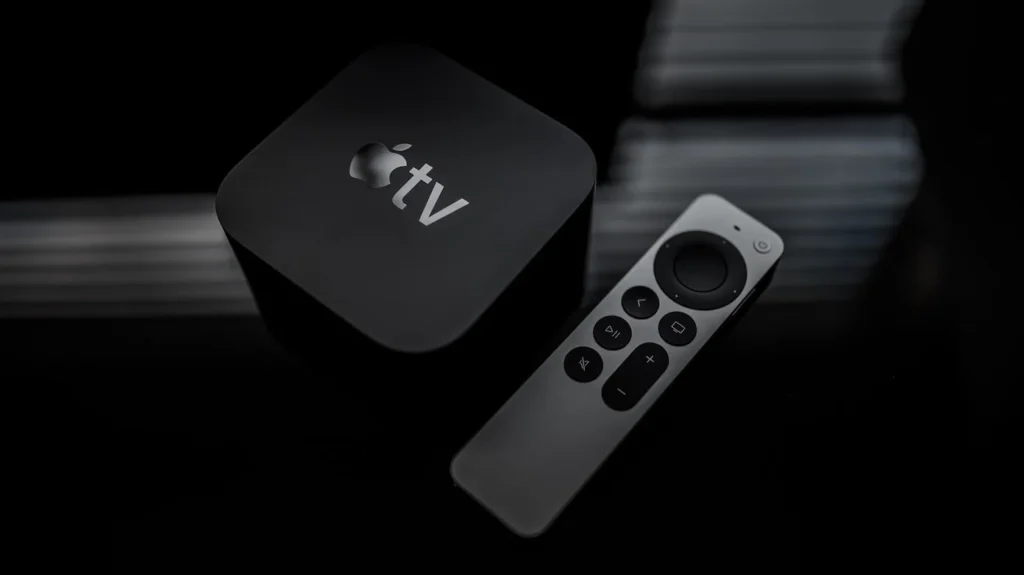
Many people keep their Apple TV running for long hours. Some users even leave it on day and night for streaming, music, or screen savers. This raises a common question: does continuous use affect Apple TV performance?
The short answer is not significantly, but there are a few things every user should understand. Like any electronic device, Apple TV works best when it is used properly and given enough ventilation.
How Apple TV Handles Long Usage
Apple TV is designed to run for long periods. The device uses efficient processors and software that manage resources automatically. Even if you stream movies for many hours, the system usually keeps working smoothly.
However, when a device runs constantly without rest, some small issues may appear over time. These may include:
- Slightly slower app loading
- Temporary heating
- Background apps using memory
In most cases, these problems are minor and disappear after a simple restart.
Heat and Ventilation Matter

One factor that can affect Apple TV performance is heat. If the device is placed in a closed cabinet or near other electronics, heat may build up.
Too much heat can lead to:
- Slower performance
- App crashes
- Reduced device lifespan
To avoid this, place the Apple TV in an open space where air can circulate freely. This helps the device stay cool even during long streaming sessions.
Continuous Use vs Normal Use
Below is a simple comparison of how Apple TV behaves in different usage conditions.
| Usage Type | Performance Impact | Risk Level |
|---|---|---|
| Normal daily use (4–6 hours) | Smooth performance | Very low |
| Long streaming sessions (10–12 hours) | Slight warming possible | Low |
| 24/7 continuous use | Occasional slowdowns | Moderate |
This shows that continuous use does not damage Apple TV immediately, but occasional breaks help maintain the best performance.
Why Restarting Helps
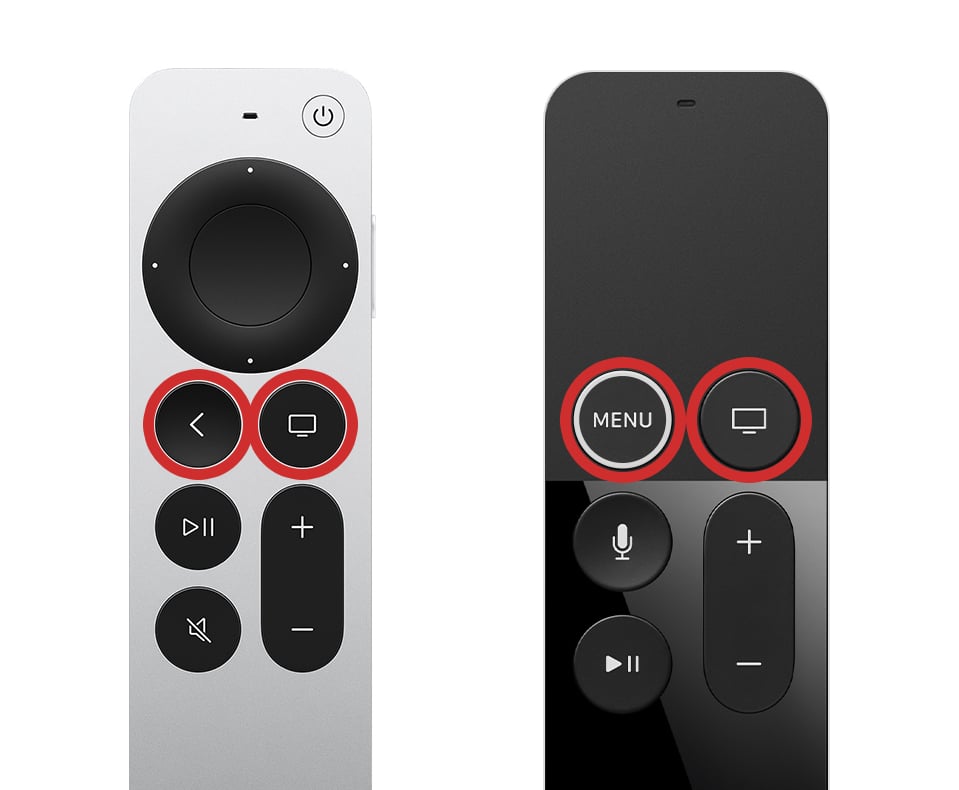
Restarting the device clears temporary files and refreshes system memory. If you notice slower performance after long usage, a quick restart can fix the issue.
Benefits of restarting occasionally include:
- Faster app loading
- Better system stability
- Reduced background memory usage
Even restarting once every few days can keep the device working like new.
Simple Tips to Maintain Apple TV Performance
If you often use Apple TV for long hours, follow these simple tips:
- Restart the device occasionally
- Keep the system software updated
- Avoid blocking ventilation
- Close unused apps
- Use a stable internet connection
These small steps can prevent most performance problems.
Final Thoughts
So, does continuous use affect Apple TV performance? In general, Apple TV is built to handle long streaming sessions without major issues. Continuous use may cause minor heating or temporary slowdowns, but these are easy to fix.
With proper placement, occasional restarts, and regular updates, your Apple TV can run smoothly for years. Most users never experience serious performance problems, even with heavy daily use.
In short, enjoy your streaming without worry — just remember to give your device a little care from time to time.