The YouTube TV streaming service offers live television, cloud DVR storage, and access to more than 100 channels through its main subscription plan. However, it also has some drawbacks, including advertisements that cannot always be skipped, regional restrictions, and missing episodes in its video-on-demand library.
Reports published in October 2026 have highlighted these limitations while comparing YouTube TV with Comcast Xfinity TV and exploring the best streaming devices for watching live television.
YouTube TV Video-on-Demand Limitations
YouTube TV makes it easy to watch live channels and recorded programs, but its on-demand library does not always offer a complete viewing experience.
Here are three common limitations viewers should understand:
- Unskippable advertisements: Some on-demand programs include advertisements that viewers cannot fast-forward through. DVR recordings offer more control because subscribers can generally skip ads in their own recordings.
- Regional restrictions: Certain local programs and sports broadcasts may not be available when subscribers travel within the United States.
- Missing episodes: Licensing agreements with content providers can affect which shows and episodes appear in the library. This may make it difficult to watch an entire season in order.
Parents can also use age-rating filters to restrict access to certain content. However, programs without ratings may become unavailable when these filters are enabled.
YouTube TV vs. Comcast Xfinity TV: Pricing Comparison
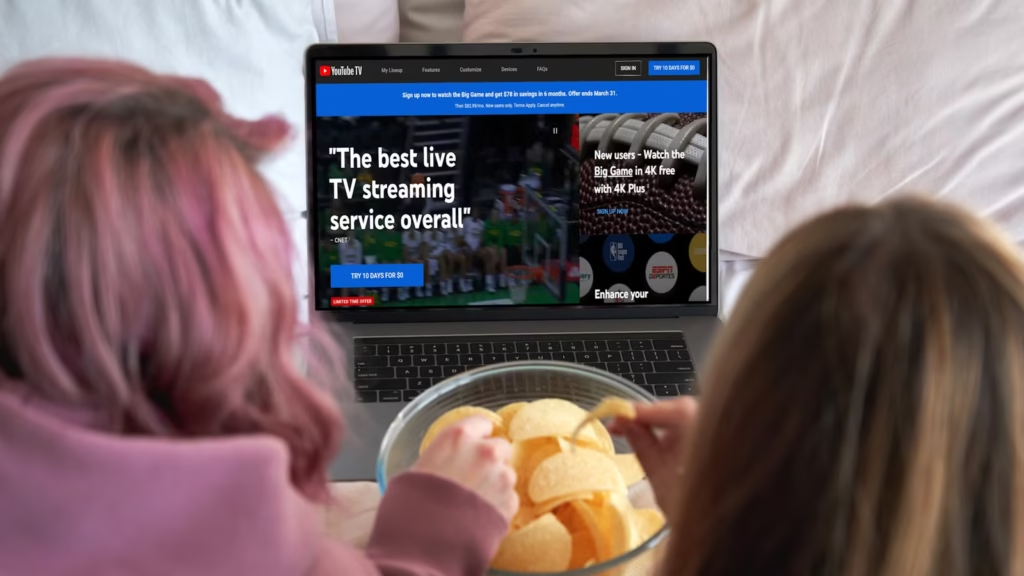
Price is another important factor when choosing a television service. YouTube TV offers a straightforward streaming option, while Xfinity provides traditional TV packages with equipment and different channel selections.
| Plan | Monthly price | Channel selection |
|---|---|---|
| YouTube TV Main Plan | $82.99 | More than 100 channels |
| YouTube TV Entertainment | $54.99 | Genre-focused package |
| YouTube TV News + Entertainment | $62.99 | News and entertainment |
| YouTube TV Sports | $64.99 | Sports-focused package |
| Xfinity TV Core | From $65 | Varies by package |
| Xfinity TV Plus | $105 | Varies by package |
| Xfinity TV Premium | $135 | Up to more than 185 channels, depending on package |
Prices and channel availability may vary by location, taxes, equipment fees, and promotional offers.
YouTube TV’s main plan also includes unlimited cloud DVR storage, with recordings generally available for up to nine months. Its standard allowance supports six household accounts and three simultaneous streams. Multiview lets viewers watch eligible live feeds together on one screen.
Best Streaming Devices for YouTube TV
Choosing the right hardware can improve navigation, picture quality, and playback performance.
The Google TV Streamer 4K is a strong option for users who prefer Google’s ecosystem. It offers voice search, 32 GB of internal storage, and support for streaming applications.
The Roku Ultra is worth considering for its simple interface, Ethernet connectivity, and remote with a headphone jack. Amazon Fire TV Stick 4K Max supports Wi-Fi 6E, while Apple TV 4K is known for fast app launches and advanced audio and video features.
YouTube TV also works on supported smart TVs from Samsung, LG, Sony, and Vizio, as well as compatible phones, tablets, computers, gaming consoles, and streaming devices.
How to Improve Your Streaming Experience
A reliable internet connection and compatible hardware can help reduce buffering and slow navigation. Weak Wi-Fi, limited device memory, and overheating may interrupt playback. Using Ethernet where possible and keeping streaming devices properly ventilated can help.
Four-K streaming requires compatible hardware and the necessary add-on, while standard streams are typically available at up to 1080p.
Is YouTube TV Worth It?
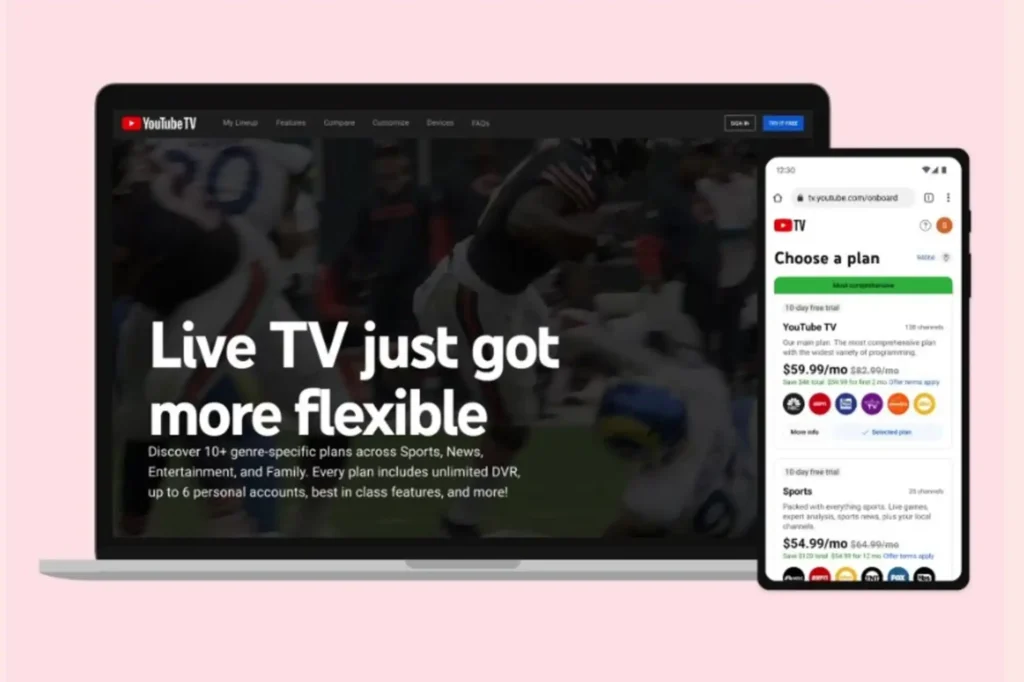
The YouTube TV streaming service can be a convenient choice for viewers who want live channels, flexible viewing, and generous DVR storage without a traditional cable setup. Still, on-demand restrictions and subscription costs are worth considering.
Before subscribing, compare available channels, regional access, device compatibility, and the total monthly price. This will help you decide whether YouTube TV or a traditional provider such as Xfinity better fits your household’s viewing habits.