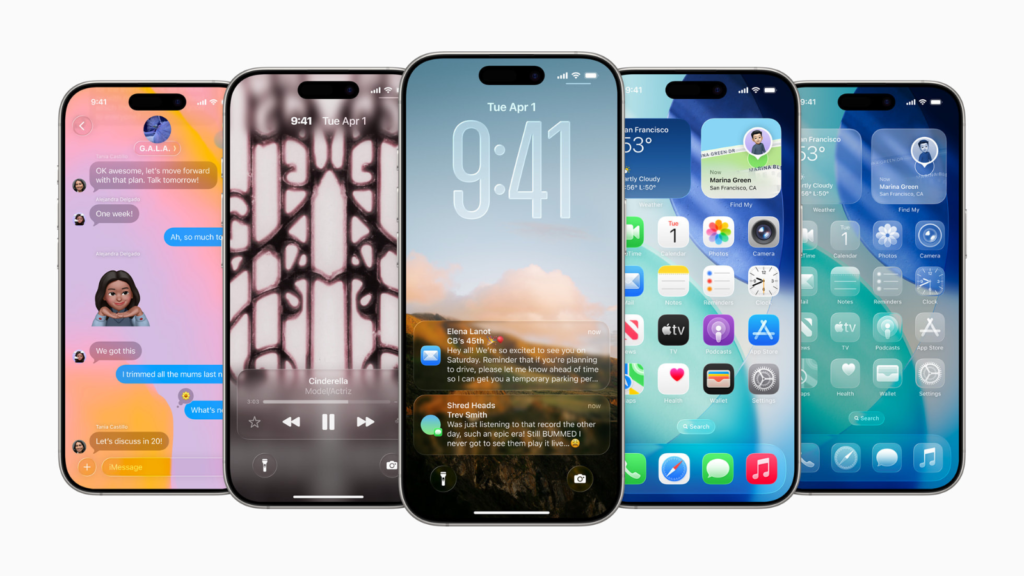
Apple’s iOS 26.2 update continues to fine-tune the Liquid Glass design, focusing less on bold visuals and more on everyday comfort. After users shared concerns about readability, Apple has adjusted how transparent certain elements appear. The result is a cleaner and more practical experience that still keeps the modern look intact.
Liquid Glass was introduced with iOS 26 as a fresh design language across Apple devices. Buttons, sliders, and notifications gained a glass-like transparency that reflected light and added depth. While the design looked stylish, it also made simple tasks harder for some users, especially when checking information quickly.
Clearer Lock Screen With New Controls
The most noticeable change in iOS 26.2 is the new control for the Lock Screen clock. Users can now reduce the transparency of the clock, making it easier to read against bright or detailed wallpapers. This small adjustment has a big impact on daily use, as the Lock Screen is one of the most frequently viewed areas of the iPhone.
This update builds on iOS 26.1, which introduced a system-wide slider to lower Liquid Glass transparency across the interface. Instead of changing everything at once, Apple is now allowing more precise adjustments. This approach gives users the freedom to balance style and clarity based on personal preference.
How Liquid Glass Has Evolved
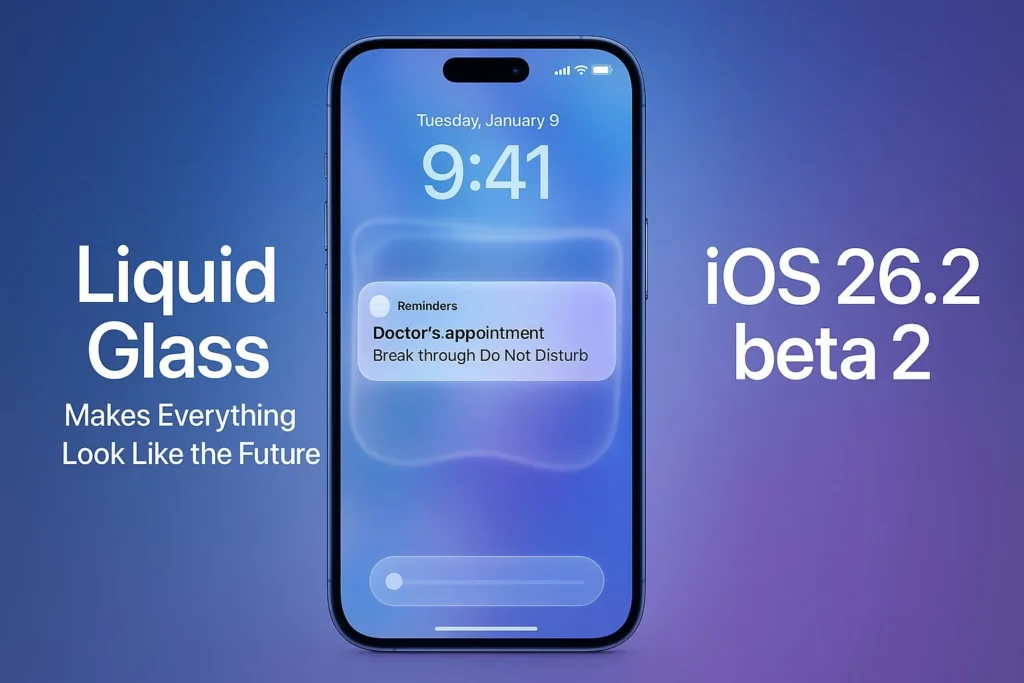
Apple’s response to user feedback can be seen clearly in how Liquid Glass has changed over recent updates.
| iOS Version | Liquid Glass Adjustment | Everyday Impact |
|---|---|---|
| iOS 26 | Full transparent design | Modern look, limited readability |
| iOS 26.1 | Global opacity slider | Improved clarity across the system |
| iOS 26.2 | Lock Screen clock control | Easier reading at a glance |
These gradual refinements show Apple’s focus on improving usability without abandoning its design direction.
More Useful Features in iOS 26.2
iOS 26.2 also introduces several practical updates across popular apps. AirDrop now supports temporary sharing codes, making it easier to send files to people who are not saved in your contacts. This is useful in work settings or casual group situations.
The Reminders app now includes alarm support, helping users stay organized. Apple News adds a new Following tab that improves navigation. Apple Music gains offline lyrics, while the Podcasts app introduces AI-generated chapters and smarter episode linking.
Apple Watch users also benefit from a new Sleep Score feature that shows how well sleep goals are being met, offering clearer health insights.
Important Security Improvements
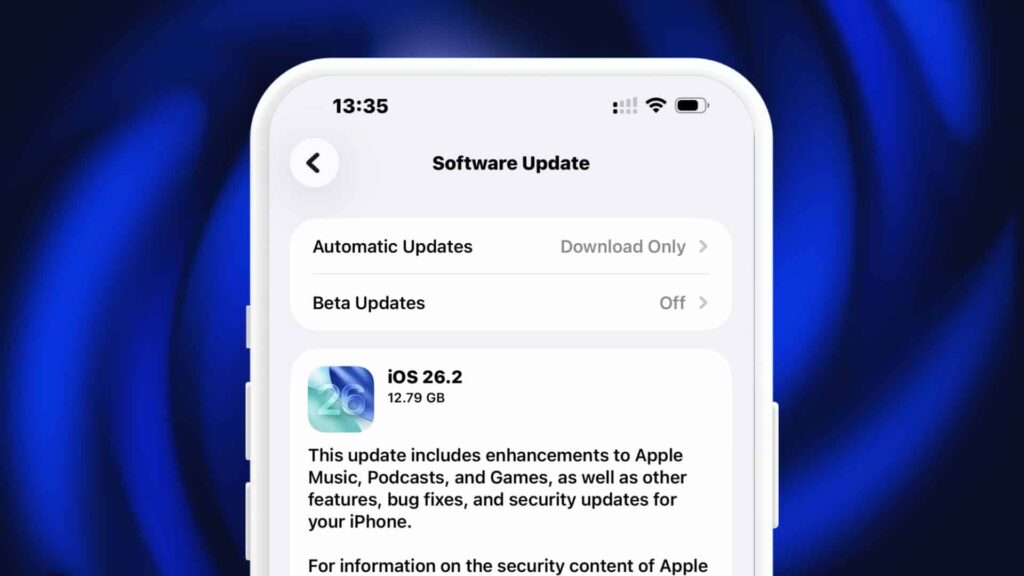
Along with new features, Apple has released important security updates across iPhones, iPads, Macs, Apple TVs, and Apple Watches. These updates fix known vulnerabilities that were being actively exploited, making iOS 26.2 a critical update for device protection.
For more insights, readers can explore our internal coverage on recent iOS updates and Apple feature improvements.
Final Thoughts
iOS 26.2 shows Apple refining Liquid Glass with real-world use in mind. By reducing transparency on the Lock Screen and adding thoughtful features, Apple improves comfort without losing visual appeal. For most users, this update makes the iPhone easier and more enjoyable to use every day.